
Use case · Writing
Write, translate and insert symbols without breaking flow.
The problem
Every translation tab, emoji picker and placeholder generator pulls you out of the sentence you were writing.
How Supermac helps
Supermac keeps those small writing tasks in the launcher. Translate a line, insert the right symbol, generate placeholder copy or capture a note, then return to the same cursor.
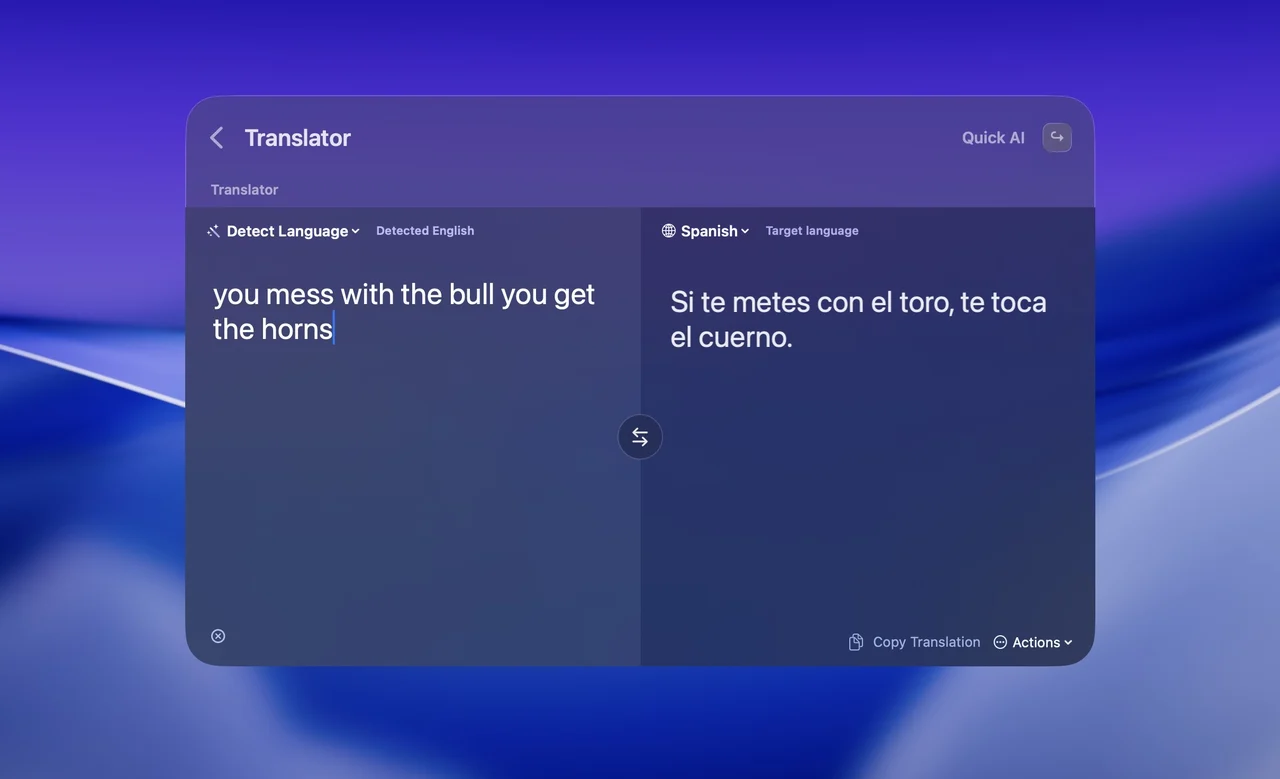
Translate both ways
Open the two-pane Translator, paste the text and pick the language pair. On macOS 26 and later it runs on-device; earlier versions use your connected AI model.
Insert the symbol
Type the emoji or symbol by name — shrug or checkmark — and press Enter to insert it into the app you were typing in.
Fill the layout
Generate paragraphs, sentences or words with Lorem Ipsum and paste them into the frontmost app.
Capture the thought
Search pages and databases, create a page or quick-capture a note into Notion without leaving the draft.
Plugins in this workflow
Read the docs
Get Supermac
One native Mac app for the workflows on this page.