
Use case · Focus
Keep the screen and the day under control.
The problem
A cluttered screen and an unbroken stretch of work both make it harder to finish the thing you sat down to do.
How Supermac helps
Supermac handles the screen and the clock. Snap windows into place without dragging, let Breaks remind you to step away, and keep a pomodoro and your music within one search.
Arrange the screen
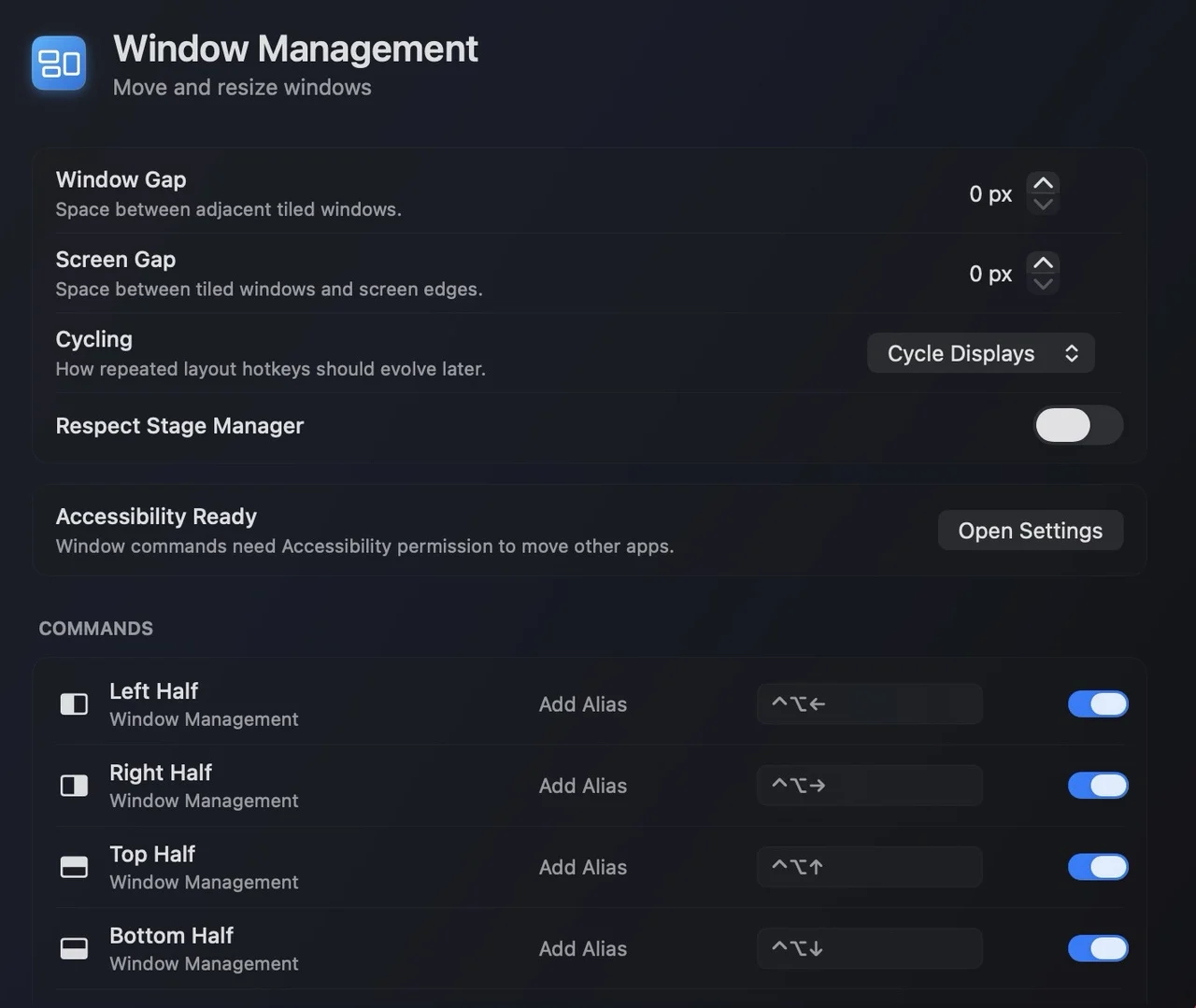
Snap windows to halves, thirds and corners straight from the keyboard, on the window you are using.
Take the break
Turn on Breaks and set the interval that fits your day. Supermac reminds you when it is time to stand up and look away.
Run a pomodoro
Start a pomodoro with a live countdown from the Kanso plugin, and add or complete todos without switching apps.
Keep music in reach
See what is playing and play, pause, skip or change the volume with the Spotify plugin.
Plugins in this workflow
Read the docs
Get Supermac
One native Mac app for the workflows on this page.